Logo
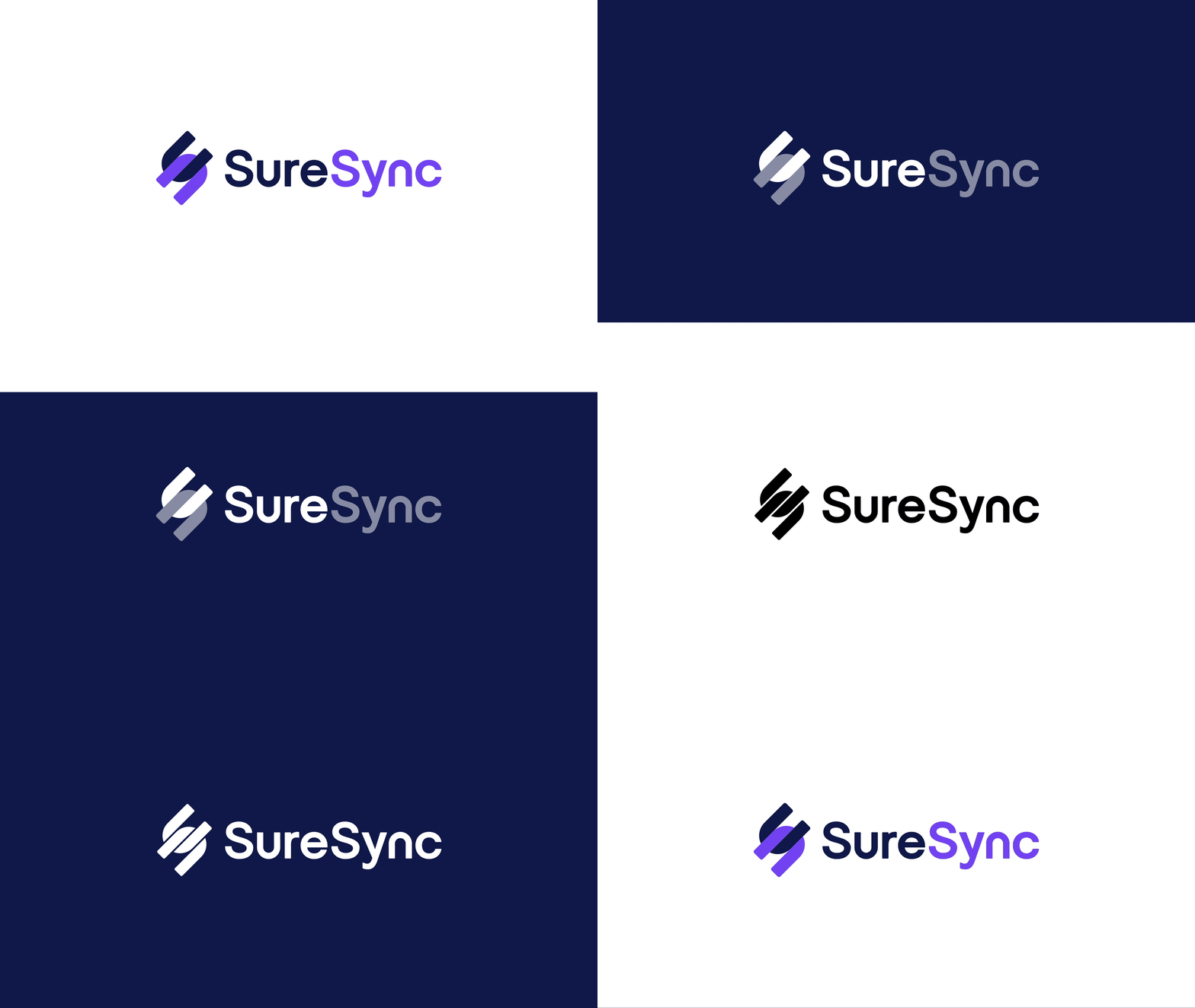
Display mode
Logo - Light background
Logo - Dark background
Layout
Horizontal logo display
Vertical logo display
Logomark
Logomark - Light background

Logomark - Dark background
Monochrome version
Logo - Mono, white background
.png?width=1822&height=1053&name=Logo%20negatief%20brand%20portal%20(1).png)
Logo - Mono, black background
Safe area
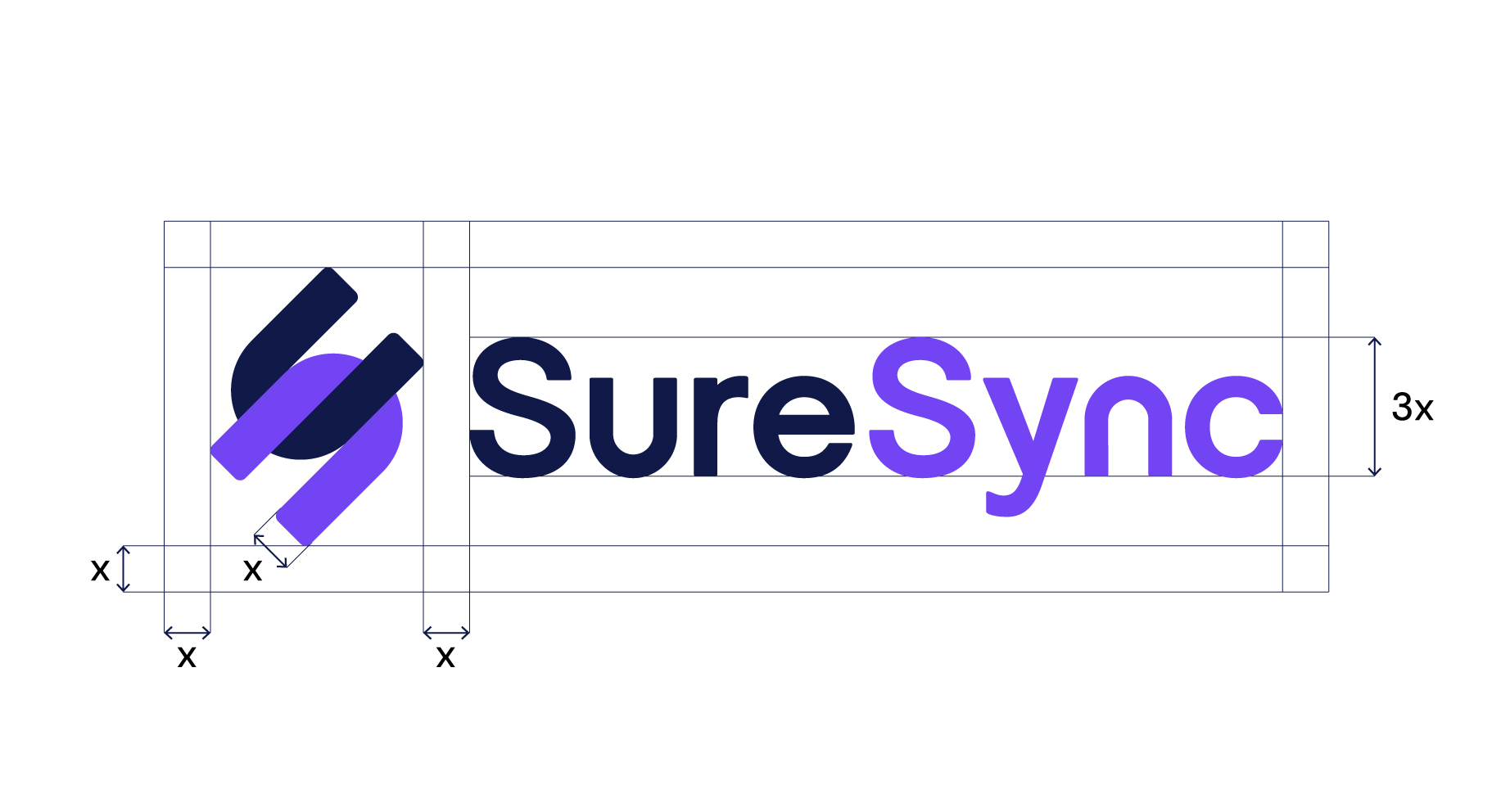
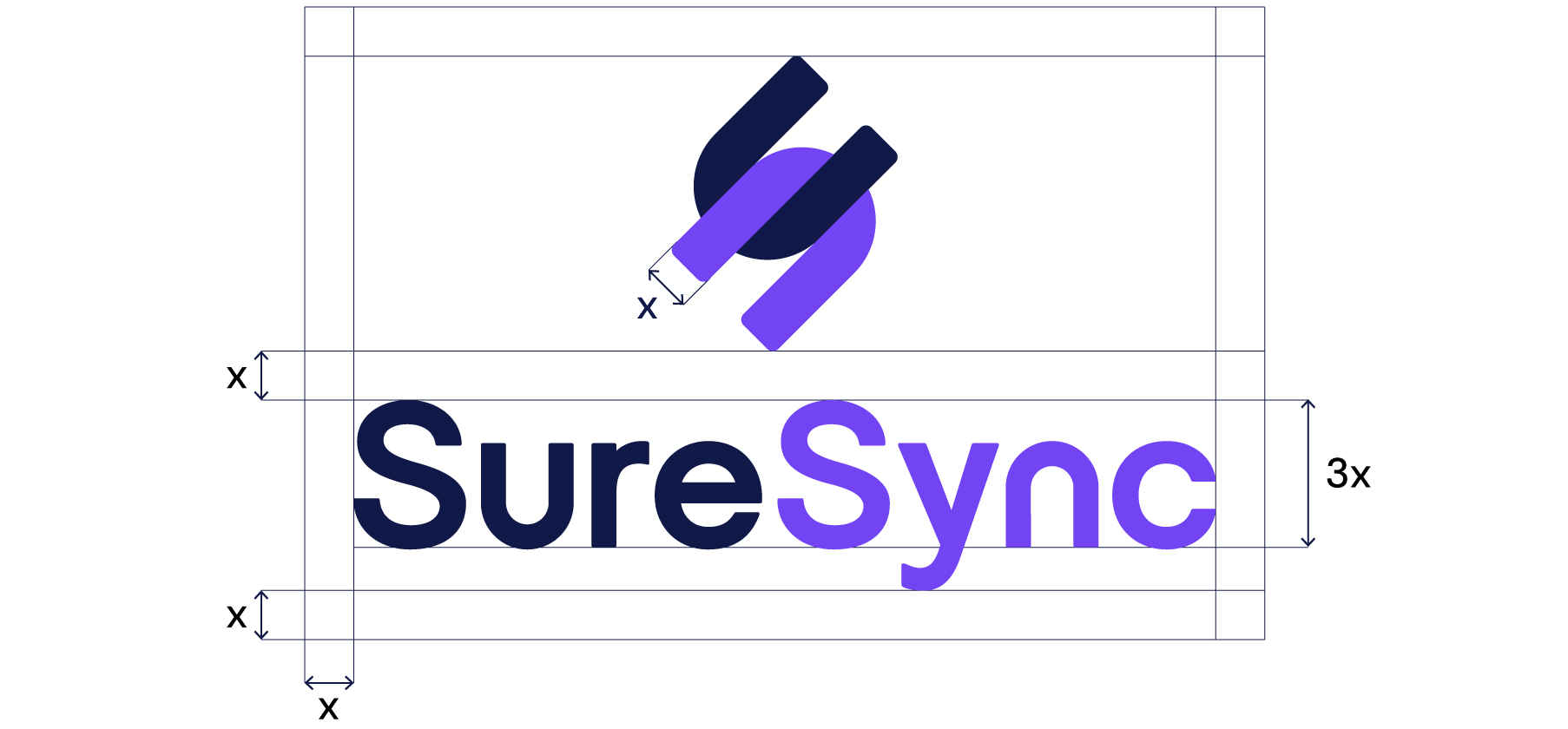
Vignette

Do's and Dont's
Do
Place basic version on light backgrounds.
Do
Place the dark mode version on the dark background.
Do
Maintain the aspect ratio when resizing.
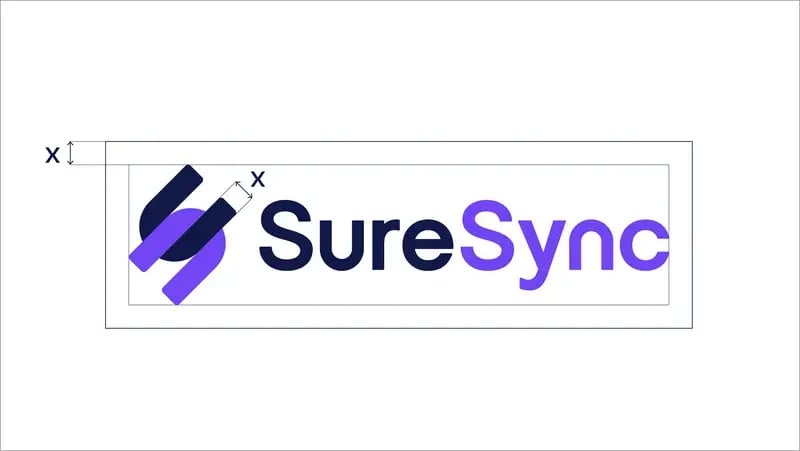
Do
Always respect the minimum area.
Don't
Add taglines or other texts within the logo safe area that don't comply with the style guide rules.
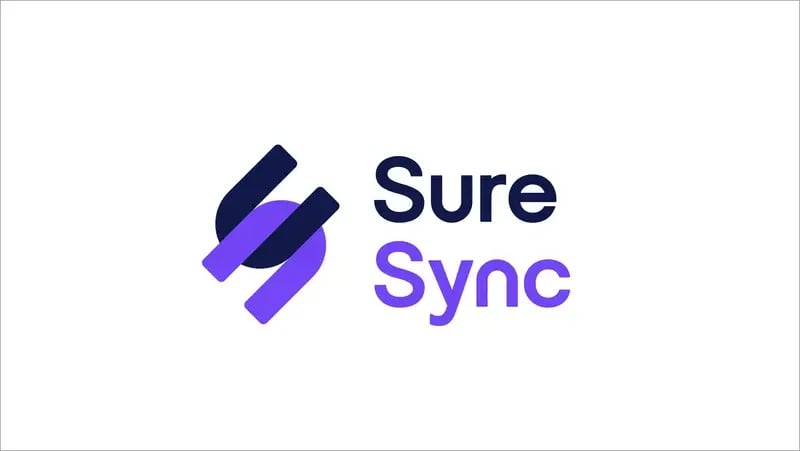
Don't
Rearrange the logo components.
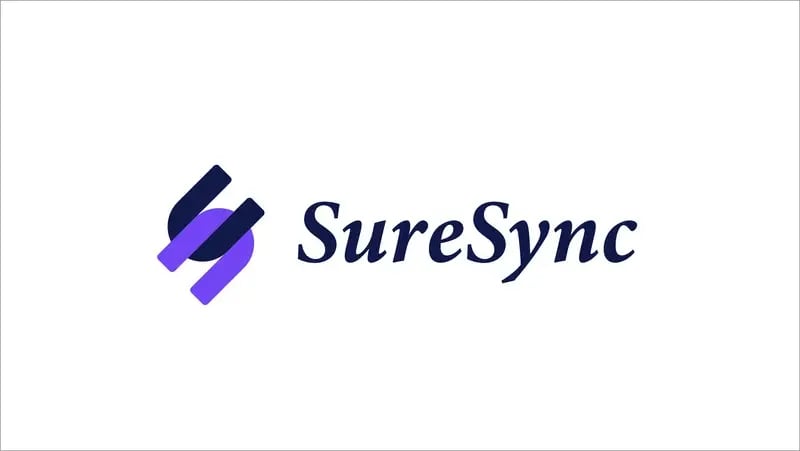
Don't
Recreate the logo.
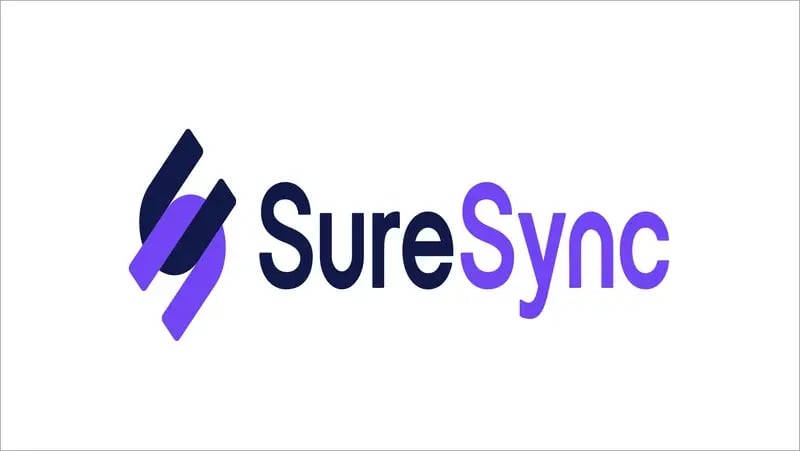
Don't
Distort or wrap the logo in any way.
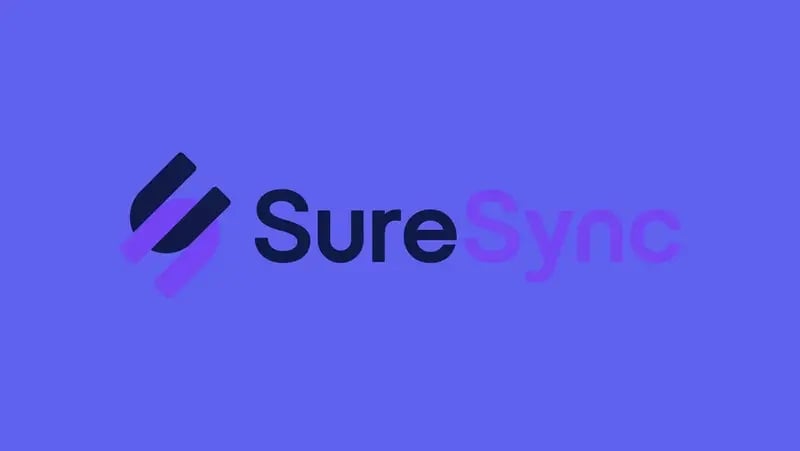
Don't
Use low contrast and low legibility when placing a logo on a background.
Don't
Use such a way of the logo display other than the specified ones in the style guide. Avoid using any alternative versions.
Don't
Change the logo colours or use any colours outside the predefined ones outlined in the style guide.

Don't
Place the logo on a noisy background. Always make sure the logo is readable